我一开始尝试使用mingw构建,但是configure中要求的make版本不一致 configure: Found GNU make version GNU Make 4.2.1 at /f/App/mingw64/bin/make, but it is not for msys (it says: Built for x86_64-w64-mingw32). Ignoring. configure: error: Cannot find GNU make 3.81 or newer! Please put it in the path, or add e.g. MAKE=/opt/gmake3.81/make as argument to configure.
然后我尝试使用msys2构建,make版本没有问题,但是configure死活不认我装的vs2022,使用vs2013也一样构建失败(后来在ci里看到它使用的是vs2017) configure: Could not succesfully extract the envionment variables needed for the VS setup. configure: Try setting --with-tools-dir to the VC/bin directory within the VS installation configure: or run "bash.exe -l" from a VS command prompt and then run configure from there. configure: error: Cannot continue
SLF4J: Class path contains SLF4J bindings targeting slf4j-api versions 1.7.x or earlier. SLF4J: Ignoring binding found at [jar:file:/F:/AppData/Gradle/caches/modules-2/files-2.1/org.apache.logging.log4j/log4j-slf4j-impl/2.20.0/7ab4f082fd162f60afcaf2b8744a3d959feab3e8/log4j-slf4j-impl-2.20.0.jar!/org/slf4j/impl/StaticLoggerBinder.class] SLF4J: See https://www.slf4j.org/codes.html#ignoredBindings for an explanation.
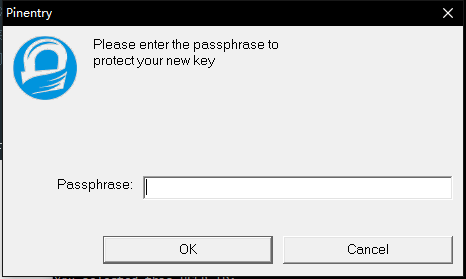
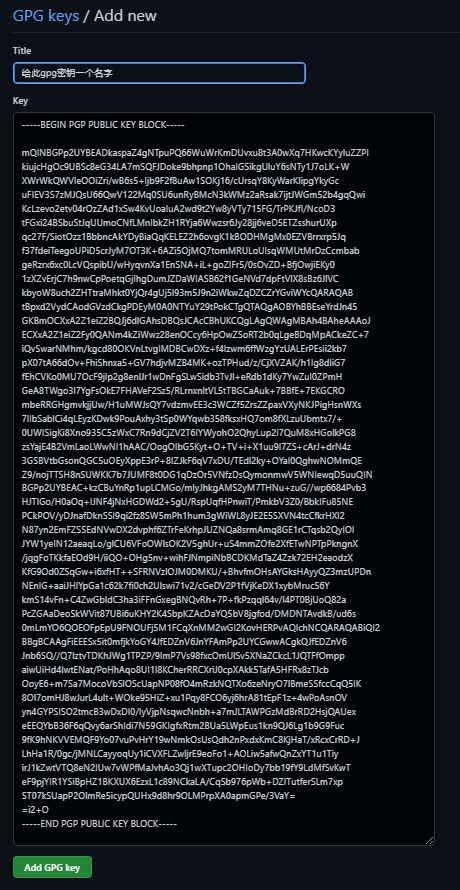
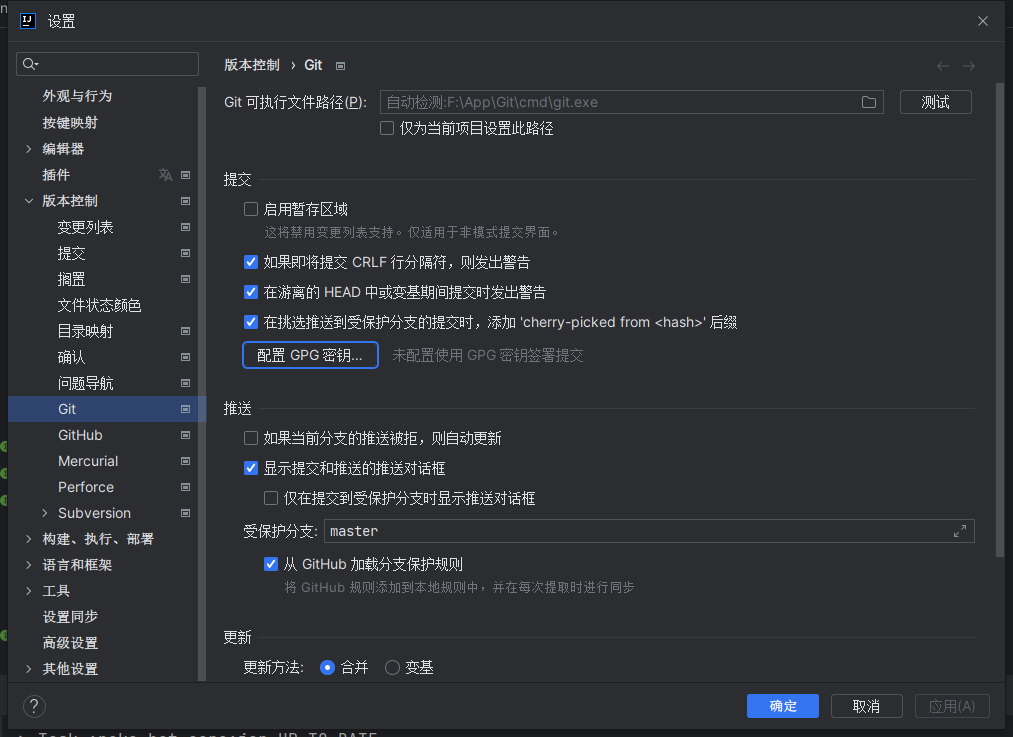
$ gpg --full-generate-key # 输入生成gpg密钥的指令gpg (GnuPG) 2.2.29-unknown; Copyright (C) 2021 Free Software Foundation, Inc.This is free software: you are free to change and redistribute it.There is NO WARRANTY, to the extent permitted by law.Please select what kind of key you want: # 选择你想要的密钥类型,默认即可 (1) RSA and RSA (default) # 默认值 (2) DSA and Elgamal (3) DSA (sign only) (4) RSA (sign only) (14) Existing key from cardYour selection? # 回车,使用默认值(rsa)RSA keys may be between 1024 and 4096 bits long.What keysize do you want? (3072) 4096 # 此处我手动输入4096,因为git文档中注明 `密钥必须至少是 4096 位`Please specify how long the key should be valid. # 选择有效期 0 = key does not expire # 默认值,永久生效 <n> = key expires in n days <n>w = key expires in n weeks <n>m = key expires in n months <n>y = key expires in n yearsKey is valid for? (0) # 回车,使用默认值Key does not expire at all # 提示密钥不会过期Is this correct? (y/N) y # 输入y并回车GnuPG needs to construct a user ID to identify your key. # 需要输入个人信息Real name: qwert # 输入名字,此处输入的是qwertEmail address:[email protected] # 输入邮箱,此处输入的是[email protected]Comment: test # 输入注释,此处输入的是testYou selected this USER-ID: "qwert (test) <[email protected]>"Change (N)ame, (C)omment, (E)mail or (O)kay/(Q)uit? # 输入o则确认信息无误,生成密钥;输入q则取消生成并退出
$ gpg --delete-secret-and-public-key 25F10366757A2676gpg (GnuPG) 2.2.29-unknown; Copyright (C) 2021 Free Software Foundation, Inc.This is free software: you are free to change and redistribute it.There is NO WARRANTY, to the extent permitted by law.sec rsa4096/25F10366757A2676 2023-02-13 qwert (test) <[email protected]>Delete this key from the keyring? (y/N) y # 输入y并回车This is a secret key! - really delete? (y/N) y # 输入y并回车pub rsa4096/25F10366757A2676 2023-02-13 qwert (test) <[email protected]>Delete this key from the keyring? (y/N) y # 输入y并回车# 弹窗验证